
iPhone battery Drain
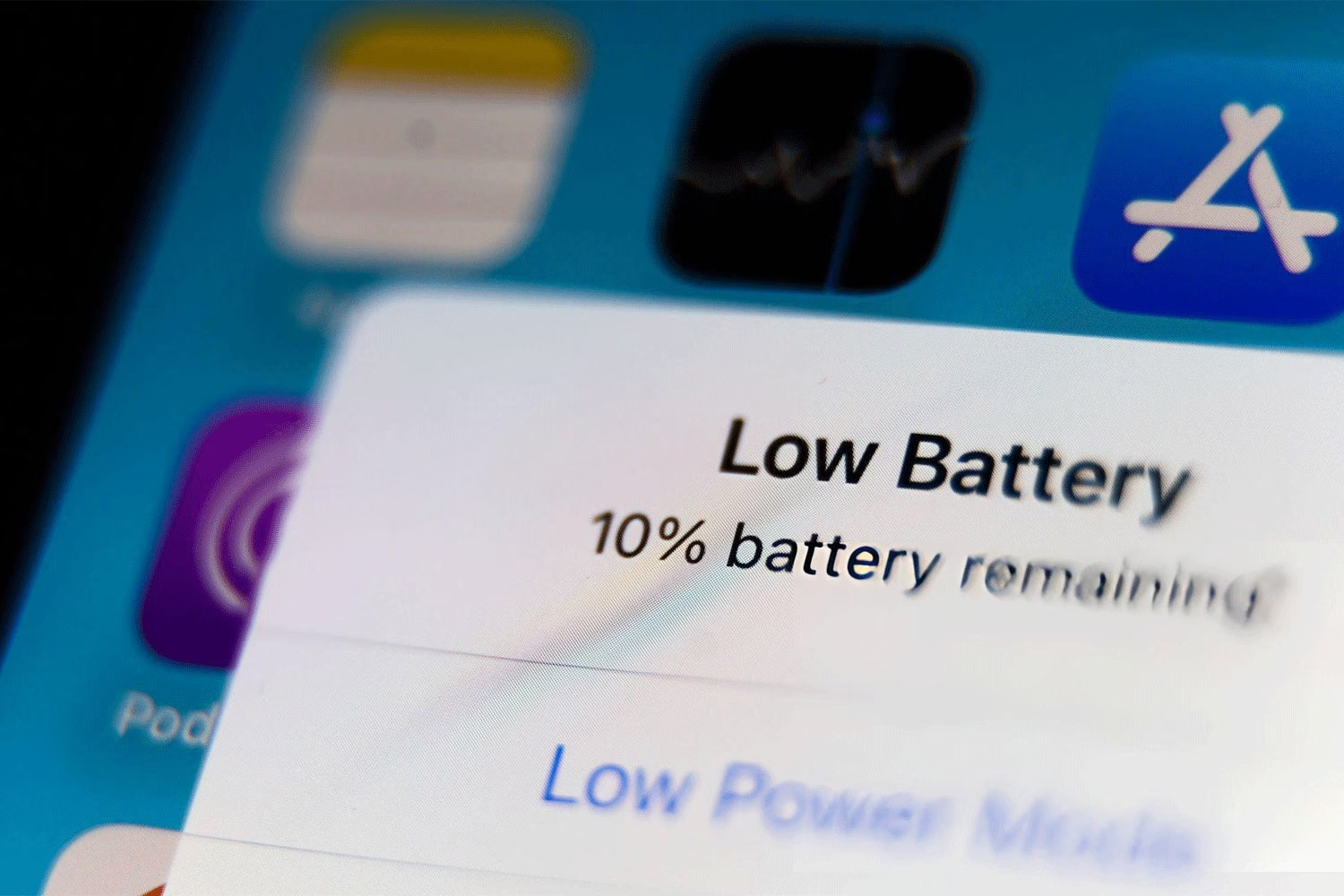
Frustrated because your iPhone’s battery drains too quickly these last few weeks? It seems that there are many other Americans going through the same thing as you on various forums for tech enthusiasts and even help pages. An r/ios26 redditor shared his plight of having to deal with an iPhone 14 Pro Max battery dropping to less than half before noon, when previously, it could last him through a full day of work with a 40% reserve.
It is normal for iPhones to consume large amounts of energy after the release of a new operating system because of the housekeeping process involved after the installation of an upgrade. But if your iPhone continues to drain despite the initial period for acclimation after the installation, then it can be that your iPhone has issues with your current software version. But that doesn’t always require you to sit tight and wait for a patch from Apple.
The Culprits: The GPU Costs of Liquid Glass and Invisible Syncs
The main factor contributing to this drastic drop in speed and overall performance is the new design approach implemented by Apple – “Liquid Glass.” As a part of its aesthetics, the design incorporates a real-life transparency effect with depth layering and constant distortions within widgets, Control Center, and Notifications.
Though it is visually impressive, it turns out that rendering such a display of graphics takes about 40 percent of the internal GPU’s resources just to enable access to the Notification Panel. Therefore, viewing the notifications multiple times each day drains your device’s battery as much as playing a heavy 3D mobile game does.
Even after that, much of your phone’s power is used up by its background activity while it lies dormant in your pocket. Location tracking, downloading of data, and background applications are now extremely aggressive, especially when you give several applications the permission to keep contacting your device continuously. This keeps your processor from entering deep sleep mode and wastes your battery life.
Three Settings to Change ImmediatelyThese are the three settings that you need to modify right away.
1. Disable High-Performance Visual Effects
Accessibility
Open the Settings app, then go to Accessibility > Motion, and toggle Reduce Motion on. Next, hit Back button once and tap on Display & Text Size, and toggle Reduce Transparency on as well. This action disables all live blurring effects within all system apps and interface elements, resulting in 40% lower graphics engine power consumption while using them.
2. Enable Dynamic Power Management
Battery Options.
Go to the Settings app > Battery section. If you have a more recent version of the iPhone, say, iPhone 15 Pro, iPhone 16 and later versions, you will find an Adaptive Power option above your daily power usage chart. Toggle it on. While Low Power Mode deactivates non-essential apps and pauses email retrieval, Adaptive Power uses advanced on-device AI learning to detect your habits and limit background processes activity when you do not require them.
3. Audit and Limit Background Sync:
General and Privacy Settings
Go to Settings -> General -> Background App Refresh. The feature should be set to OFF for apps involving travel, shopping, and social networking, which do not require any refreshing. Next, go to Settings -> Privacy & Security -> Location Services. Turn OFF Precise Location on those apps that do not require any precise location details, thus ensuring that the GPS antenna does not continuously track your mobile device.
When to Consider Your Problem Is Caused by Deteriorated Hardware
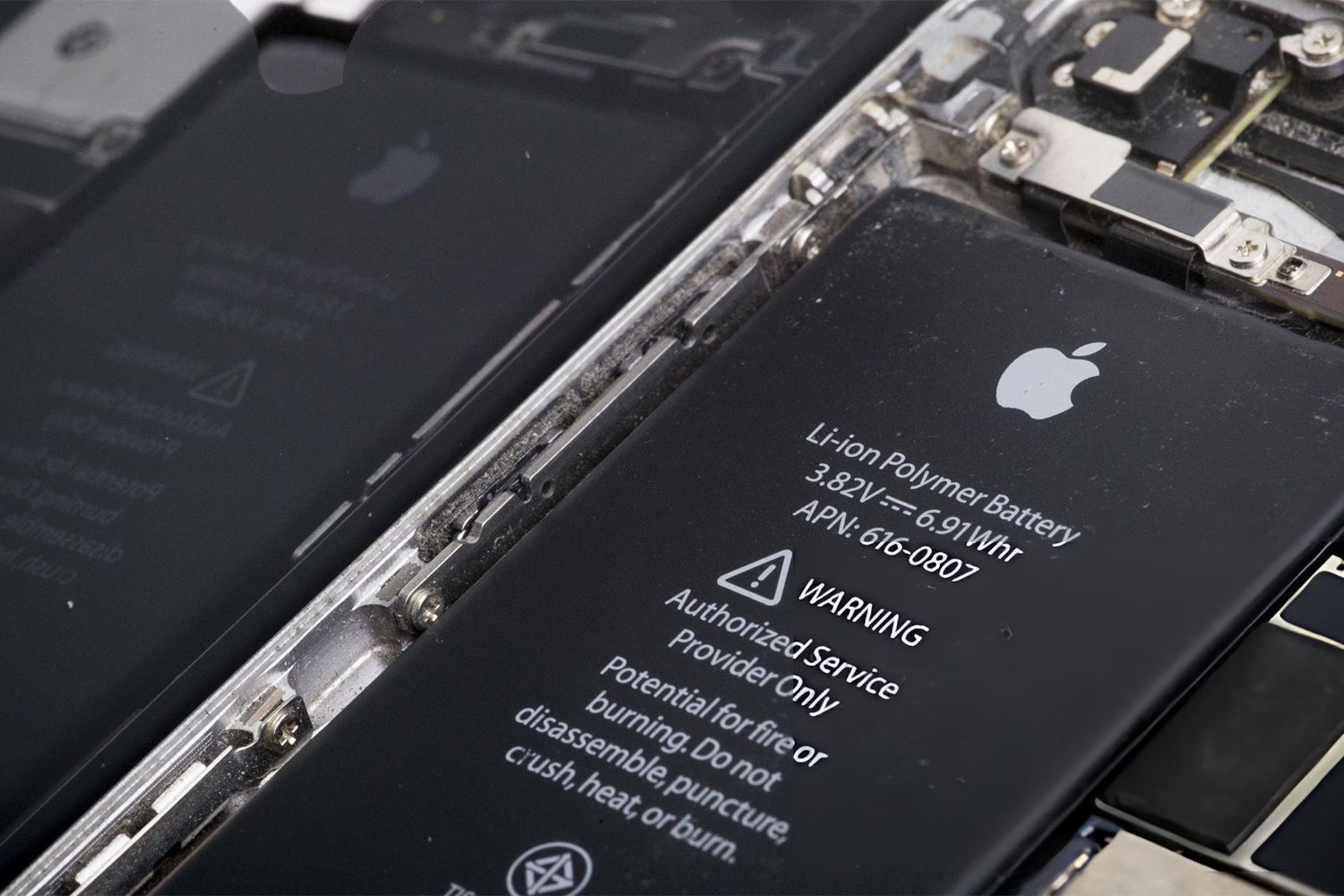
If you apply all above recommendations and you still cannot notice any difference concerning battery life after two days, the problem can be connected to the realm of chemical physics instead of being a problem related to software.
All the same, according to common practice, batteries in smartphones have their expiry dates. Check out the following menu section: Settings > Battery > Battery Health. When your device displays a number less than 80% regarding Maximum Capacity, it means that the lithium-ion battery demonstrates high resistance inside. Thus, the matter is in your hardware incapable of providing reliable energy. In this way, the system experiences sharp reductions of the charging capacity.
New Rule after Update: In case you just installed a fresh update of the iOS two days ago, your phone is currently performing additional tasks such as indexing of files for Spotlight Search, sorting and processing photos, and organizing app databases. In order to minimize this burden, make sure that your device is plugged into the charger and connected to the Internet over WiFi throughout the night, and allow your device’s processor to index everything very rapidly and save energy on a daily basis.
What do you feel about this post?

Like

Love

Happy

Haha

Sad